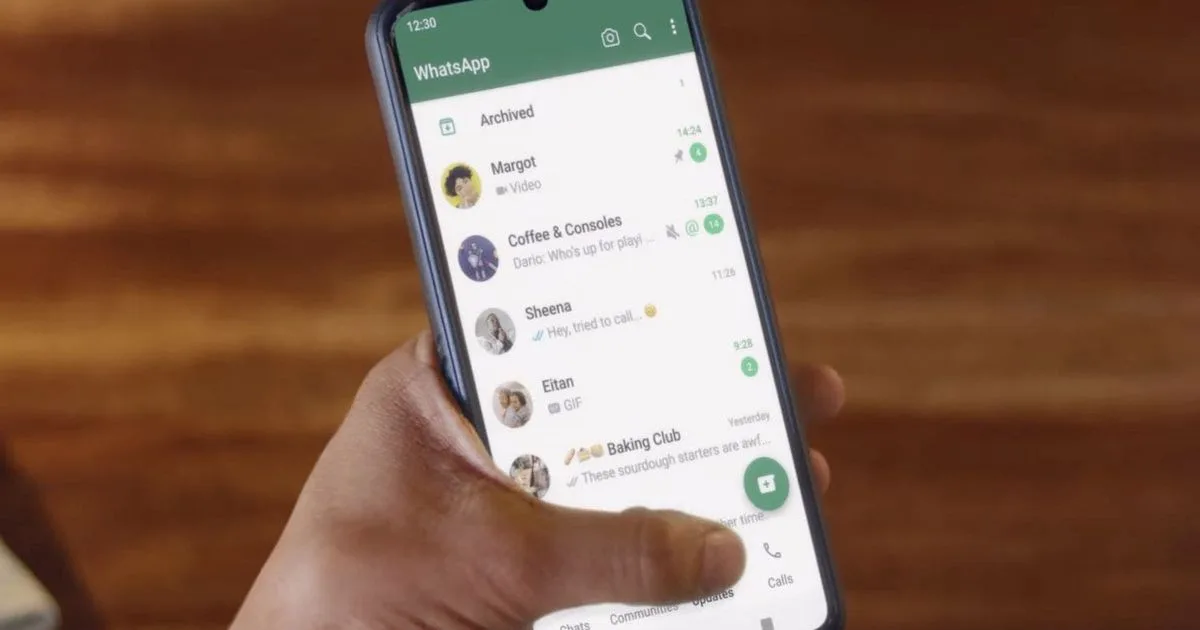
WhatsApp remains a hub for messaging, photos and notifications, which also makes it a prime target for fraud and unwanted access. Enable six built-in settings today to significantly reduce the risk of someone else reading or intercepting your chats.
Two-step verification
Two-step verification adds a second secret level — PIN code — which any new device must enter before it can use your WhatsApp account. This means that an attacker who has your SMS code will still not be able to register your number without a PIN code. To enable this feature, open WhatsApp > Settings > Account > Two-Step Verification, tap Turn on and select reliable six-digit PIN code. Optionally add a recovery email address so you can reset your PIN if you forget it. WhatsApp will ask you to enter your PIN from time to time so that you don’t forget it.

Source: tripwire
Screen lock
Use your phone’s biometrics to lock WhatsApp itself so that even whoever is holding your unlocked device can’t access your chats. This is handy in common areas or if you’ve lost your phone. Go to Settings > Privacy > Screen lock, turn on this feature, and choose how soon the app should ask for your fingerprint or face again—immediately, after 1 minute, or after 30 minutes.
Last observation and online
Hide status “Last Seen” and “Online” prevents third parties from tracking your activity and reduces the likelihood of attackers using this time for social engineering. Go to Settings > Privacy > Last Seen & Online and select My contactsto share only with saved contacts, or No oneto hide completely. This prevents casual observers from creating a usage profile without changing your experience with trusted contacts.

Groups
Spam and scam messages often come through group postings. WhatsApp lets you control who can add you so you don’t automatically end up in unknown groups. Go to Settings > Privacy > Groups and select My contactsto allow only saved contacts to add you, or My contacts, except for…, to exclude certain people. If someone who doesn’t have these permissions tries to add you, you’ll receive an invitation that you can accept or ignore.
Connected devices
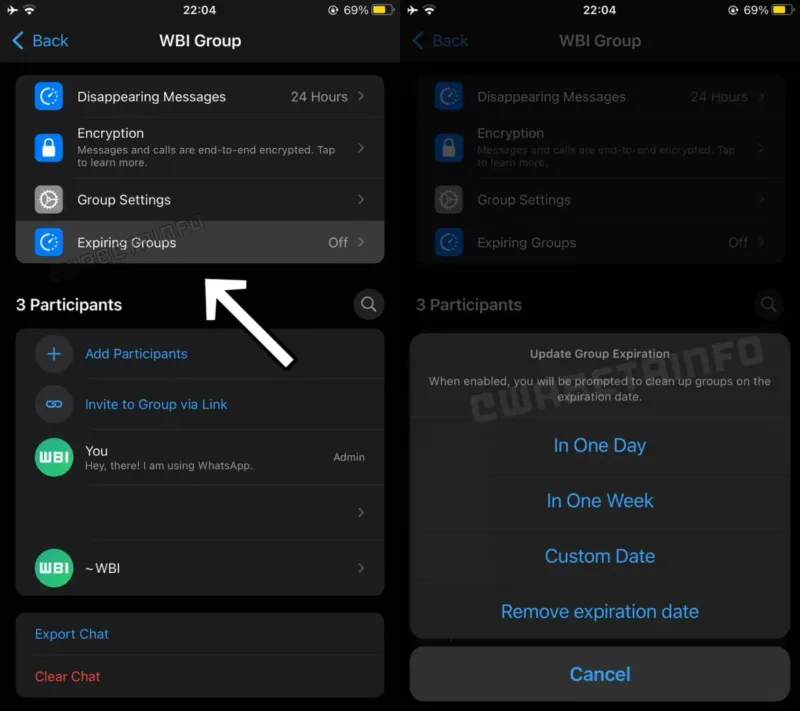
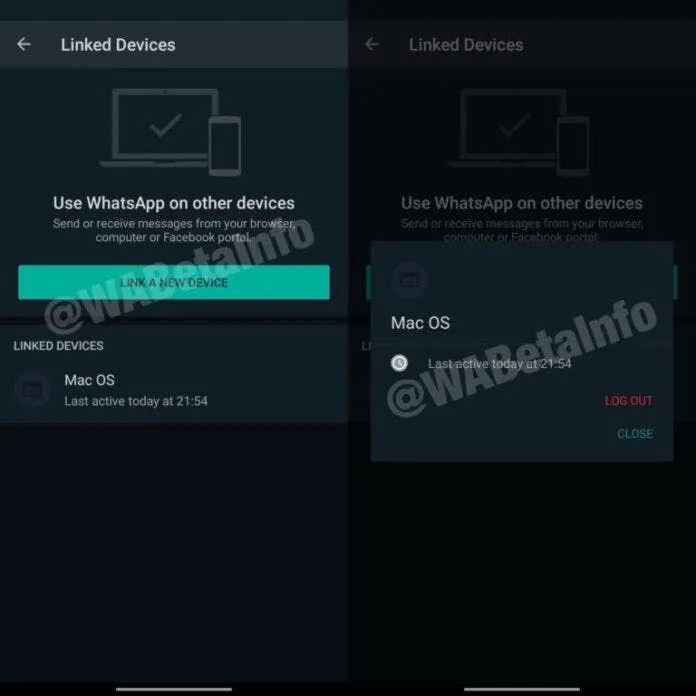
WhatsApp Web and other related sessions are useful, but they may remain logged in on a shared or public computer. Regularly checking your connected devices will help you stop forgotten sessions. Go to Settings > Connected devices, see all the devices you’re signed in to, and sign out of the ones you don’t recognize or no longer use. Turn on new connection notifications to get notified when someone connects a device to your account.
Safety notice
WhatsApp uses end-to-end encryption; when a contact’s encryption key changes (for example, after reinstalling or changing the phone), you can receive a notification to know that the chat remains secure. Enable this feature in Settings > Security > Show security messages. You’ll be notified when a partner’s security code changes, helping you quickly spot unusual activity.
Keep your habits safe
Settings matter a lot, but personal habits do too. Never share your SMS verification code or two-step PIN – WhatsApp will never ask for them. Ignore suspicious links and update the app to receive timely security patches. Each of these six options only takes a minute, but together they block many common attack paths. Turn them on and you’ll reduce the chance of your account being hijacked or sensitive information being leaked.
What does this mean
By spending a few minutes today to set up WhatsApp, you can prevent months of trouble down the road. Use a combination of authentication, app blocking, and discreet sharing to keep your conversations private and in control of your account.
FAQ
Is two-step verification enough?
No. Maximum protection is provided by a combination of several settings.
Is it possible to hack WhatsApp without access to the phone?
In most cases, hacking requires an SMS code or physical access to the device. That is why it is important to activate all protective functions.
Does hiding the status affect the messenger?
No. This only limits the visibility of the activity to other users.
Follow Gizchina.net at Google News, Facebook, X (Twitter), Instagram, Threads, LinkedIn, Telegram and to keep abreast of the latest technology news.
Source: GizChina.com