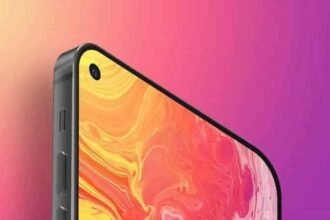
Samsung Dynamic Island can become a new element of the interface Galaxy. In the test software of the future series Galaxy S27 revealed a redesigned Live Notifications that resembles Dynamic Island on iPhone. Instead of being located near the clock, notifications can move to the top center of the screen — around the front-facing camera.
Change should make information about active tasks more visible without forcing the user to open the corresponding applications. At the same time, it is still a test function: Samsung has not confirmed either its final appearance or the list of compatible smartphones.
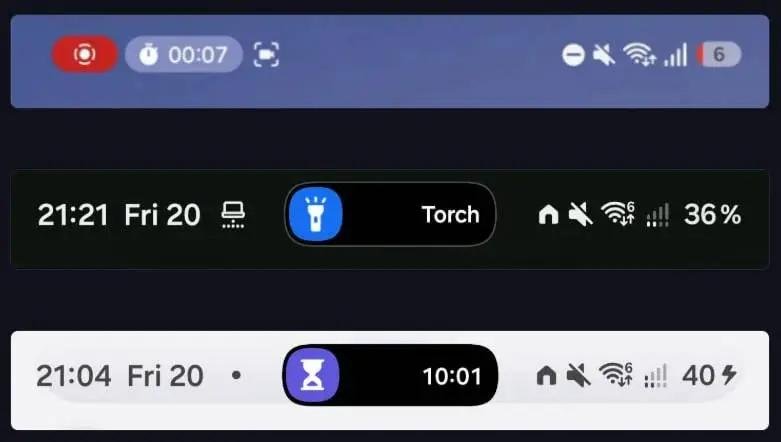
Samsung Dynamic Island can change the look of Live Notifications
The new design was spotted in an early version of the software for the Galaxy S27. It provides a compact information panel in the upper central part of the display, right next to the front camera. Currently, Live Notifications on Samsung smartphones are located next to the clock in the status bar. Moving them to the center of the screen will change the way active tasks are displayed and make them more visually prominent. According to previous images, the new panel will be smaller than the current version. It will be able to show brief information about events that are still ongoing. Possible usage scenarios include:
- counting time on the timer;
- order delivery status;
- updates on active tasks;
- other events that support Android Live Updates.
The user will be able to click on the panel to expand it and view more details or available controls.
How the new Live Notifications panel will work
Judging by the test implementation, the main capabilities of Live Notifications will remain unchanged. The update primarily concerns the location of the panel and the way to switch between active events. Samsung is also testing the new navigation. Instead of vertically swiping up and down, users can now switch between active notifications with horizontal movements — left and right. This will potentially make multitasking easier. For example, it will be possible to quickly switch from the timer to the delivery information without opening separate applications. At the same time, the new interface does not necessarily mean the appearance of additional functions. Samsung appears to be primarily changing the way Live Notifications are presented.
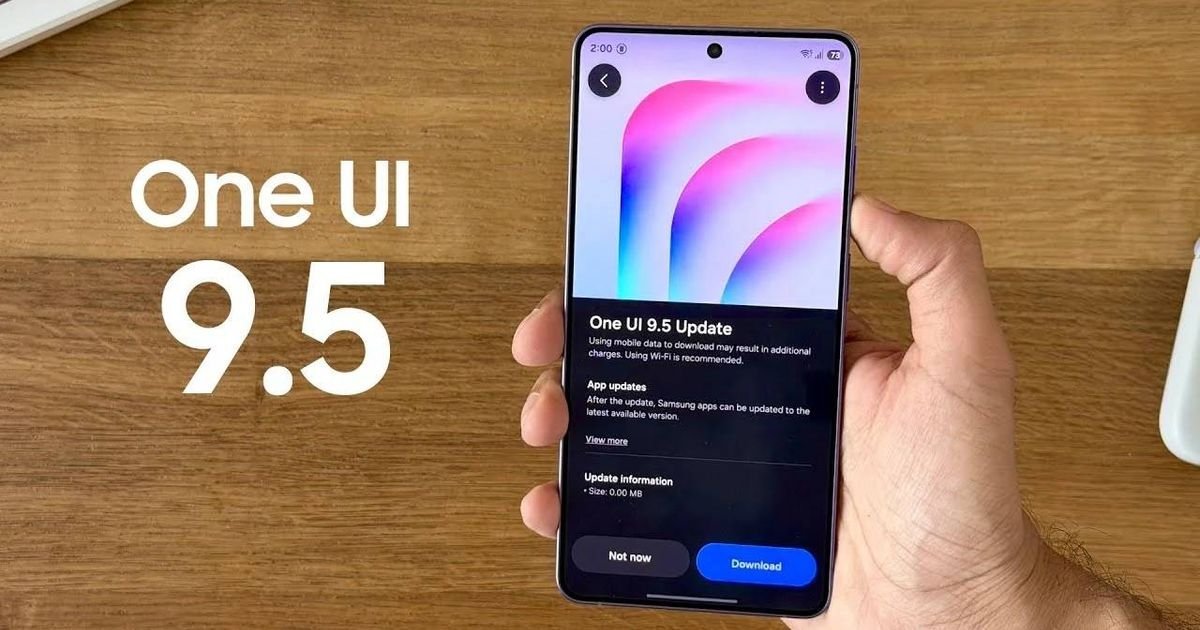
Will the Dynamic Island analogue appear in One UI 9.5
It is important to distinguish between the testing of One UI 9.5 and the software of future smartphones. The new design was revealed in an early build for the Galaxy S27, not in the One UI 9.5 public beta version for the Galaxy S26. Therefore, there is no reason to say that the function will appear on the Galaxy S26 or other current smartphones after the update. It is also unknown whether it will be part of the stable version of One UI for the Galaxy S27. The existing Live Notifications system already supports compatible apps and the Android Live Updates engine. The new variant is likely to change the interface for interacting with such notifications, rather than creating a separate platform.
Is Samsung copying Apple’s Dynamic Island
The external similarity with the Dynamic Island is obvious: both concepts use the area around the front camera to display relevant information. However, the very idea of interactive notifications is not limited to Apple smartphones. For Samsung, it is more important how convenient the new implementation in One UI will be. Moving Live Notifications to the center of the screen can make active events more visible, and horizontal switching can make them easier to manage. However, the final design has not yet been approved. Samsung has the opportunity to refine animations, panel sizes and interaction with other elements of the interface, so that the innovation looks like a natural part of the Galaxy, and not just repeating Apple’s decision.