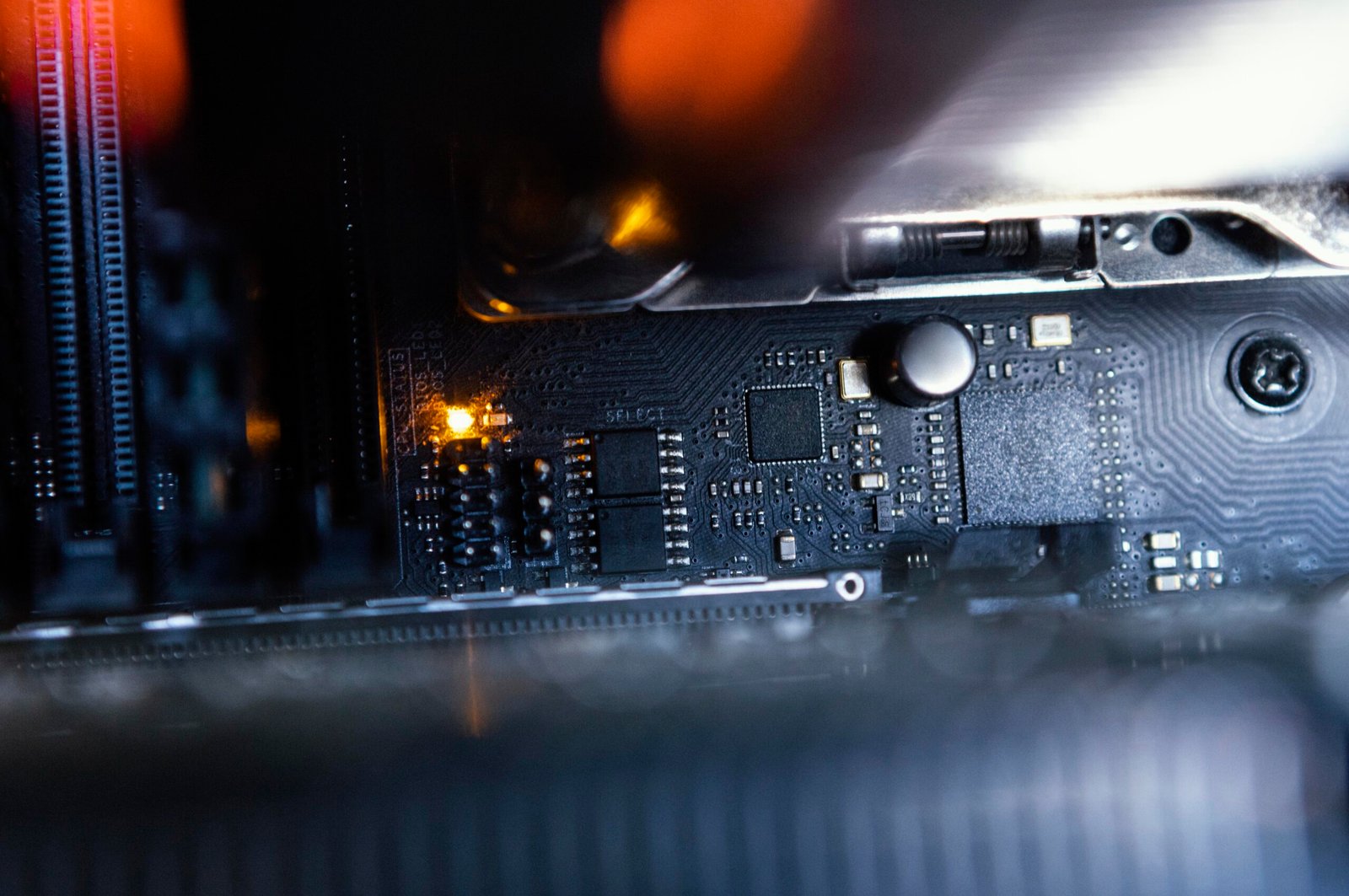
Computers, laptops and other digital equipment have long become a part of everyday life. They are needed for work, study, communication and recreation. Therefore, even a minor malfunction can cause serious inconvenience. When the device starts to overheat, work slowly, or does not turn on at all, it is important to correctly determine the cause of the problem and choose the appropriate way to eliminate it.
Repair does not always mean replacing expensive components. In many cases, professional diagnostics, cleaning of the cooling system or replacement of a separate component are sufficient. The main thing is not to postpone checking the equipment and not to try to fix malfunctions yourself if you do not have the appropriate skills.

What are the most common computer malfunctions
The causes of breakdowns depend on the type of device, the intensity of its use and operating conditions. However, there are several common problems that computer and digital gadget owners face.
The most typical malfunctions:
- Overheating Dust inside the case, faulty fans or dried thermal paste can cause the processor and video card to rise in temperature.
- Slow work. The reason may be a lack of RAM, problems with the drive, software errors or an excessive load on the system.
- Startup problems. The computer may not respond to the power button due to a malfunction of the power supply, motherboard, or other components.
- Screen damage. Laptops, tablets and monitors are characterized by cracks, backlight defects and image transmission problems.
- Malfunctions of connectors. Damaged USB ports, power jacks, and audio jacks can make it difficult to connect peripherals.
- Battery problems. The battery may drain quickly, not charge, or cause the laptop to shut down suddenly.
Not all of these problems require complex repairs. But without inspection, it’s hard to tell if cleaning and tuning is enough, or if a particular part needs to be replaced.
Why you should not delay the diagnosis
A small malfunction sometimes becomes the cause of more serious damage. For example, constant overheating can negatively affect electronic components, and using a laptop with a damaged power connector can lead to additional problems with the charging system. It is especially dangerous to ignore the following signs:
- The device turns off or reboots itself.
- The fans are constantly running at high speeds.
- There are extraneous sounds, burning smell or unusual heating.
- Banding, flickering, or artifacts appear on the screen.
- The battery is deformed or the case of the device begins to diverge.
If there is a burning smell, smoke, or signs of battery damage, the device should be turned off and unplugged if it is safe to do so. It is not worth continuing its use.
How to choose the right service center
When choosing a workshop, it is important to pay attention not only to the price. The too low cost of repairs without preliminary diagnosis can be misleading, especially if the final amount increases already after the work has begun. Before transferring the equipment, it is worth clarifying several points:
- Do you carry out preliminary diagnostics of the device?
- Is the cost of repairs reported before the work begins?
- Do you agree with the client on the terms of execution?
- Do they use quality components?
- Do they provide documents and a guarantee for the performed repairs?
For example, Service V-comp offers repair of computer and digital equipment in Dnipro. The service center’s activities include servicing computers, laptops, tablets, monitors, TVs, game consoles, portable speakers and projectors. The website also describes the sequence of work: acceptance of the device, testing, agreement on cost and terms, repair and final inspection.
[Зображення 2: майстер проводить діагностику ноутбука. Alt: Діагностика ноутбука перед ремонтом]
How to repair digital equipment
Professional repair usually consists of several consecutive stages. This approach helps to avoid unnecessary costs and determine the scope of work in advance.
The main stages of service:
- Receiving the device. The master fixes the model, the external condition of the equipment and the problem described by the owner. It is also advisable to record existing damage to the case and screen.
- Diagnostics. The specialist checks the main nodes, conducts the necessary tests and determines the possible cause of the malfunction.
- Agreement of conditions. The client is told what work is needed, how much it will cost and how long it may take.
- Performing repairs. After approval, the master eliminates the malfunction, replaces damaged components or performs maintenance.
- Control check. After the work is completed, the device is tested to make sure it is functional.
- Return to owner. The client receives the device, checks its operation and documents regarding the performed repairs and warranty conditions.
How to reduce the risk of future breakdowns
Even high-quality equipment needs proper care. Regular maintenance helps reduce the risk of malfunctions and extend the life of devices. Computer and laptop owners should follow a few simple rules:
- Do not block the ventilation openings and do not place the laptop on soft surfaces during operation.
- Periodically clean the housing and cooling system from dust.
- Use serviceable chargers and cables of the appropriate capacity.
- Do not allow liquids to get inside the devices.
- Create backup copies of important files.
- Monitor the temperature and pay attention to unusual sounds and behavior of the equipment.
You should also not disassemble the device yourself if it is under warranty or requires work with components that can be easily damaged.
Conclusion
Timely diagnosis and proper maintenance help to avoid many problems with computer and digital equipment. If the device began to work unstable, overheats or does not turn on, it is better to first establish the cause of the malfunction, and only then decide on the issue of repair or replacement of components. When choosing a service center, it is important to take into account the experience of the masters, the transparency of the cost, agreement on terms and warranty conditions. This approach allows you to make informed decisions and not spend money on work that is not really needed.